IPTV Australia
IPTV Australia: Get Australian IPTV Subscription from the Best IPTV Providers
Get high-quality HD 4K IPTV in Australia from top-rated IPTV providers at discounted pricing. Australian IPTV offers a premium IPTV streaming experience with live sports, movies, series, news, local channels, TV shows, and more.
Buy an AU IPTV Subscription from our trusted IPTV services for Australia. Choose a 12-month IPTV Australia plan and save 100$+.
Features
Core Features of Australians IPTV

Sports and Live Events

Movies and TV Shows

HD and 4K Streaming
Multi-Device Compatibility
Fast Activation and Easy Setup
Subscription
Choose the Best Discounted Australian IPTV Plan
Explore our IPTV Australia subscription plans and choose the right option for your viewing needs. Each plan offers a convenient way to get started, with quick activation and streaming on compatible devices.
Basic
$12 AUD
1 Month
- IPTV streaming on compatible devices
- Quick subscription activation
- Access to available live TV channels
- Simple setup guidance
- Customer support for setup queries
Standard
$25 AUD
3 Months
- IPTV streaming on compatible devices
- Quick subscription activation
- Access to available live TV channels
- Setup assistance when needed
- Three-month subscription convenience
Premium
$40 AUD
6 Months
- IPTV streaming on compatible devices
- Quick subscription activation
- Access to available live TV channels
- Assistance with initial setup
- Six months of subscription access
Super
Best value$55 AUD
12 Months
- IPTV streaming on compatible devices
- Quick subscription activation
- Access to available live TV channels
- Setup guidance and support
- Convenient 12-month subscription period
Setup
Australian IPTV Compatible Devices and Installation Guides
Australians IPTV can be configured on many popular streaming devices, Smart TVs, smartphones, and computers. The exact steps depend on your device and the IPTV player you choose, but most setups require a compatible app and your subscription login details or M3U playlist URL.
Compatible devices
Amazon Firestick
How to Set Up IPTV on Amazon Firestick?
- 1
Connect your Amazon Fire TV Stick to your television, select the correct HDMI input, and connect to Wi-Fi.
- 2
From the Fire TV home screen, open Find/Search and look for a compatible IPTV player in the Amazon Appstore.
- 3
Install and open the app.
- 4
Select the relevant login method and enter your IPTV provider's M3U playlist URL or Xtream Codes credentials.
- 5
Wait for the playlist to load, then select a channel or on-demand title to begin streaming.
Line-up
What Can You Watch with IPTV in Australia?
The right IPTV subscription should match what you actually enjoy watching. Explore the available content categories and check the channel list before subscribing.

Live TV and Television Channels
Enjoy live television through compatible IPTV applications. Check the available Australian and international channels to see whether they include the programmes, news and entertainment you want to watch.

Live Sports IPTV Australia
For sports fans, live coverage and stream reliability are important when choosing an IPTV service. If you follow AFL, NRL, cricket, football, rugby or other competitions, confirm that the relevant channels have the necessary broadcasting rights and are included in your selected package. Experience the best IPTV for AFL.
Before a major match, check your internet connection and test playback on your preferred device.

Movies and TV Series
Explore on-demand entertainment when you want something to watch outside scheduled television broadcasts. The available movie and series catalogue depends on the service and the rights associated with its content.
Check the current library and supported playback features before purchasing a subscription.
International Entertainment
Viewers who enjoy programmes from different countries can check whether their preferred international channels are available. Channel availability may vary by subscription, region, and licensing arrangements.
Clients
Why Thousands of Clients Choose Australia IPTV?
When comparing IPTV providers in Australia, look beyond headline channel counts and promotional offers. The details that matter most are the quality of the viewing experience, compatibility, clear pricing, and support when you need assistance.
Flexible IPTV Subscription Options
Choose a subscription period that suits your viewing needs and budget. Review the price, duration, number of permitted connections, and renewal conditions before completing your purchase.
Compatible Streaming Devices
Your IPTV setup should work with the device and application you prefer. Check compatibility before subscribing, particularly if you use a specific Smart TV, streaming stick, or IPTV player.
Easy Installation
You can easily install IPTV in Australia without unnecessary technical steps. Follow the appropriate installation guide for your device and use the activation details supplied for your subscription.
Helpful Customer Support
You can contact our support for the questions about activation, compatible apps, installation guides or playback problems.
Clear Subscription Information
A reliable buying decision starts with transparent information. Review the complete plan details, supported content, payment terms, and cancellation or renewal policy before choosing an IPTV subscription.
Getting started
How to Get Started with Australians IPTV
01
Check the available plans
Review the subscription options and make sure the included content, duration, and device limits meet your requirements.
02
Confirm device compatibility
Identify the device you intend to use and check which IPTV player and activation method it supports.
03
Request a trial, if available
Use the available trial to assess compatibility and playback before making a longer-term commitment. Confirm the trial's duration, restrictions, and any conditions that apply.
04
Complete your subscription
Once you have checked the service details, choose the appropriate plan and follow the official activation instructions.
05
Set up and start watching
Install the compatible player, enter the credentials supplied by your provider, and test your preferred channels. Keep your activation details secure.
Buying guide
How to Choose the Best IPTV Australia Service
Searching for the best IPTV Australia option can produce many similar offers. A large advertised channel count alone does not establish that a service is reliable, suitable for your device, or authorised to distribute its content.
Use these checks when comparing Australian IPTV providers:
Content rights
Confirm that the provider is authorised to distribute the channels and programmes it offers.
Trial availability
Check whether you can test the service before paying and understand the trial conditions.
Peak-time performance
Test the connection during the hours you normally watch, especially during live events.
Device compatibility
Confirm that the service supports your television, streaming stick, or preferred player.
Pricing transparency
Compare the total cost, renewal terms, and any additional charges.
Support quality
Check how to contact the provider and whether assistance is available for your device.
Privacy and security
Review the provider's privacy policy and use secure payment methods.
These checks are more useful than relying on labels such as “top rated IPTV” without independent evidence. They can help you compare IPTV services on the factors that matter to your household.
Business
Start Your Own Business: Australian IPTV Reseller Panel
Looking to start your own IPTV business? Our Australian IPTV reseller panel section helps you explore reseller options for managing customer subscriptions and renewals. Contact our team to learn about available reseller plans, panel features, and how to get started.
Interested in becoming an IPTV reseller in Australia? Get in touch today to discuss reseller access and available packages.
Benefits of Our Australian IPTV Reseller Panel
- Easy Subscription Management
- Centralised Customer Accounts
- Simple Subscription Renewals
- Flexible Reseller Packages
- Customer Support Assistance
- Scalable Reseller Business
Playback
IPTV in Australia: Internet Speed and Buffering
A suitable internet connection is essential for IPTV streaming. The speed you need depends on video resolution, network congestion, the number of devices using the connection, and the requirements of the streaming service.
For a smoother experience, follow these practical steps:
- Test your internet speed on the device or network you normally use.
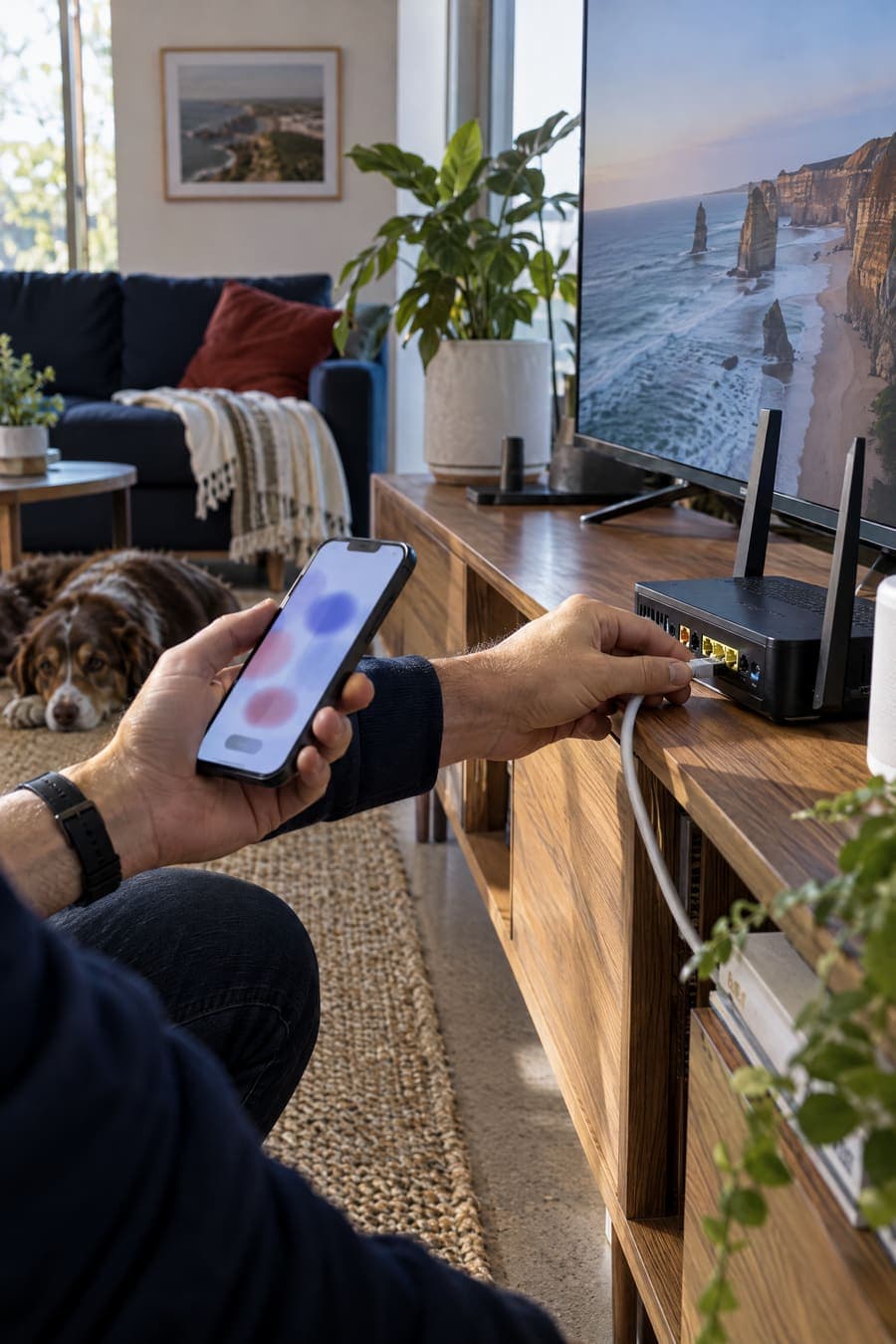
- Use an Ethernet connection where practical, especially for a stationary television.
- If you use Wi-Fi, keep your device within a good signal range of the router.
- Pause large downloads and other bandwidth-heavy activities while watching.
- Restart your streaming device and router if playback problems persist.
- Check whether the issue affects one channel or the entire service.
If your IPTV keeps buffering even when other online services work normally, the problem may relate to the particular stream, application, or provider. Contact support with the device model, application name, and approximate time the issue occurred.
Questions
FAQs
Australian IPTV is a way to watch television over an internet connection instead of relying only on traditional cable or satellite services. Depending on the provider and subscription, IPTV can include live TV channels, sports, movies and on-demand shows. You need a compatible device, an IPTV player if required, and access to content you are authorised to watch.
IPTV technology itself is a method of delivering video over the internet. Whether a particular service is lawful depends on factors including the provider's rights to distribute the content. Before purchasing an Australian IPTV subscription, check that the provider can explain its content licensing and distribution arrangements. Do not assume a service is authorised simply because it has a website or accepts payment.
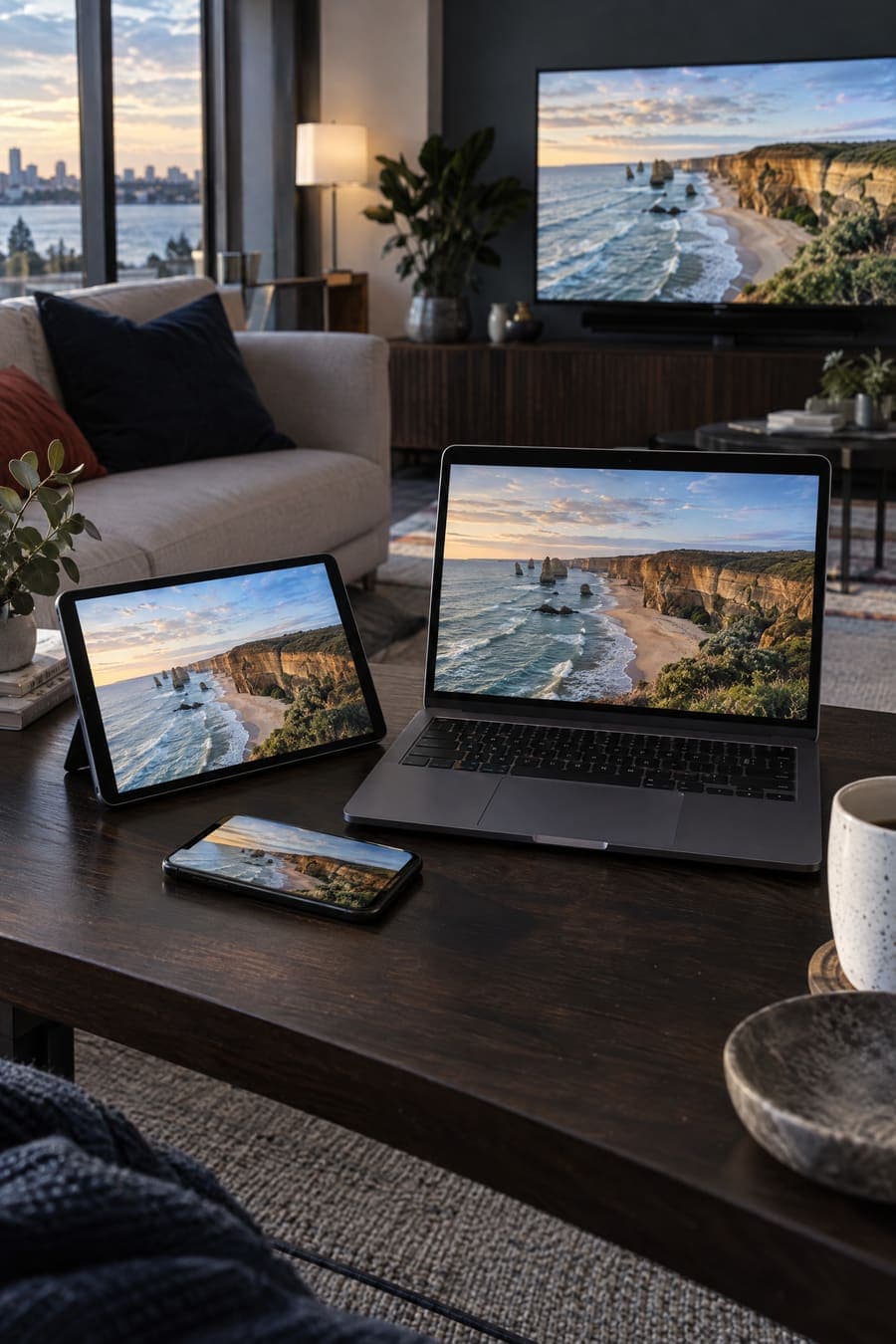
IPTV can work on many internet-connected devices, including Amazon Fire TV Stick, Android TV boxes, compatible Samsung and LG Smart TVs, Android phones, iPhones, tablets, Apple TV and Windows or Mac computers. However, support depends on the IPTV player, operating system and device model. Check compatibility before subscribing.
Connect your Fire TV Stick to Wi-Fi, open the Amazon Appstore and search for a compatible IPTV player. Install and open the app, then enter the M3U playlist URL or Xtream Codes details supplied by your provider. Once the playlist loads, select a channel to test playback. Only use trusted installation sources and follow the app's official instructions.
You generally need three things: a stable internet connection, a compatible device with an IPTV player, and valid subscription details. Depending on the player, your provider may supply an M3U playlist URL or a server address, username and password for Xtream Codes login. Follow the provider's setup instructions for your specific device.
As a practical starting point, allow around 10 Mbps per device for HD streaming and 25 Mbps or more for 4K streaming. These are estimates rather than guarantees. Your actual requirements depend on stream quality, network congestion, Wi-Fi strength and how many devices are streaming at once. A wired Ethernet connection can help if your TV has an unreliable Wi-Fi connection.
IPTV buffering can result from a weak Wi-Fi signal, a congested internet connection, an overloaded streaming server, an outdated app or a device with limited resources. First, restart your IPTV player and router, check the connection on the streaming device, and install available updates. If other online services work normally but IPTV still buffers, contact your provider to check for a stream or server issue.
A failed IPTV login can happen when the username, password or server URL is incorrect, the subscription has expired, or the provider's server is temporarily unavailable. Check each detail carefully, including capital letters and accidental spaces. If the information is correct but the error continues, ask your provider to confirm your account status and connection details.
An M3U playlist is a link or file that tells a compatible player where to find available streams. Xtream Codes login usually requires a server URL, username and password. Both are common IPTV setup methods, but not every player supports both. Use the method supplied or recommended by your provider, and keep your login details private.
A VPN is not automatically required for IPTV to work. It routes your internet traffic through another server, which can affect speed and connectivity. If you experience streaming problems, first test your internet connection and check for a provider-side issue. A VPN may help in some network situations, but it cannot guarantee better streaming or fix an unavailable channel.
You may be able to install the IPTV player on several compatible devices, but that does not necessarily mean you can stream on all of them simultaneously. The number of permitted concurrent streams depends on your subscription terms. Before purchasing, confirm how many devices can watch at the same time and whether additional connections cost extra.
A trial can help you assess channel availability, picture quality, device compatibility and performance during busy viewing periods. Australians IPTV currently advertises a free trial on its homepage. Check the current trial terms with the provider, including its duration, included content and any device or connection limits, before committing to a longer plan.
Begin
Start Your IPTV Australia Setup Today
Choosing an IPTV service should be about more than a headline offer. Check the available content, compare subscription terms and confirm that your preferred device is supported before getting started.
Australians IPTV provides a starting point for exploring available subscription options, installation guidance and compatible streaming setups.
Review the plans, check the service details and choose the option that fits your viewing needs.