

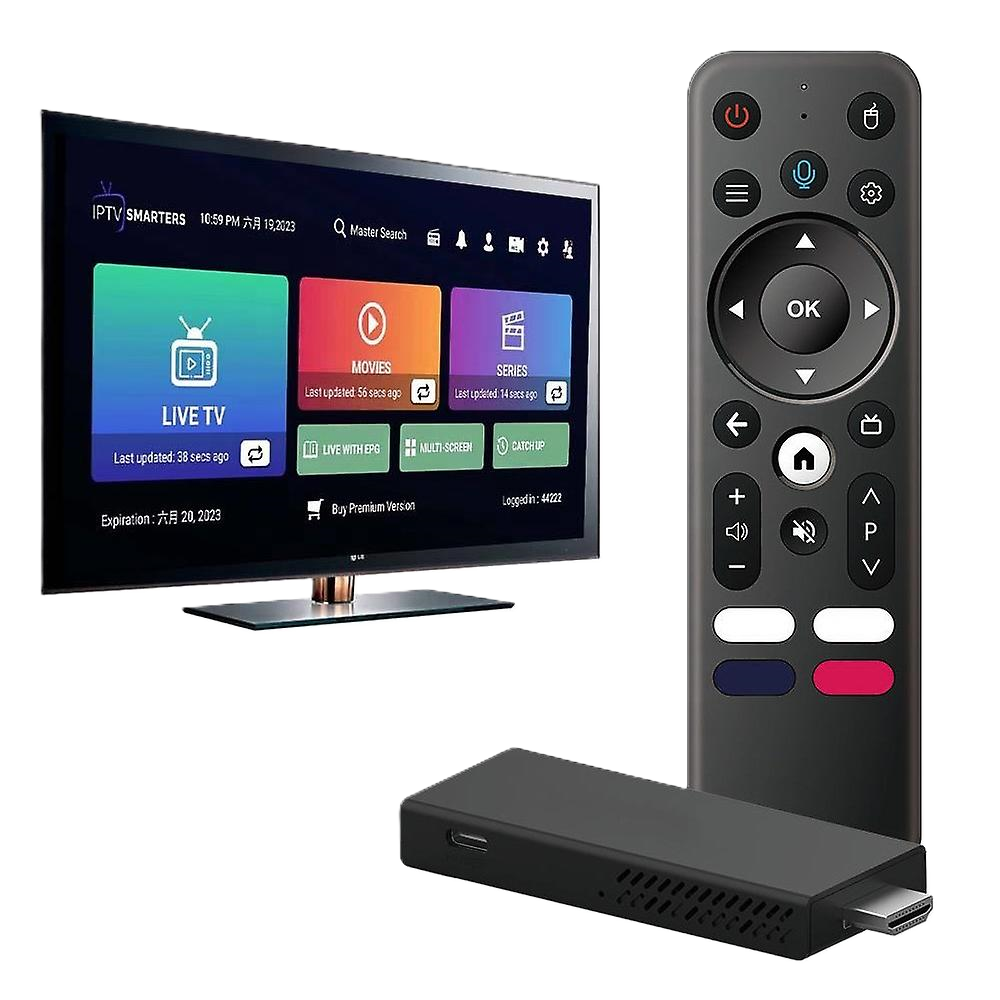
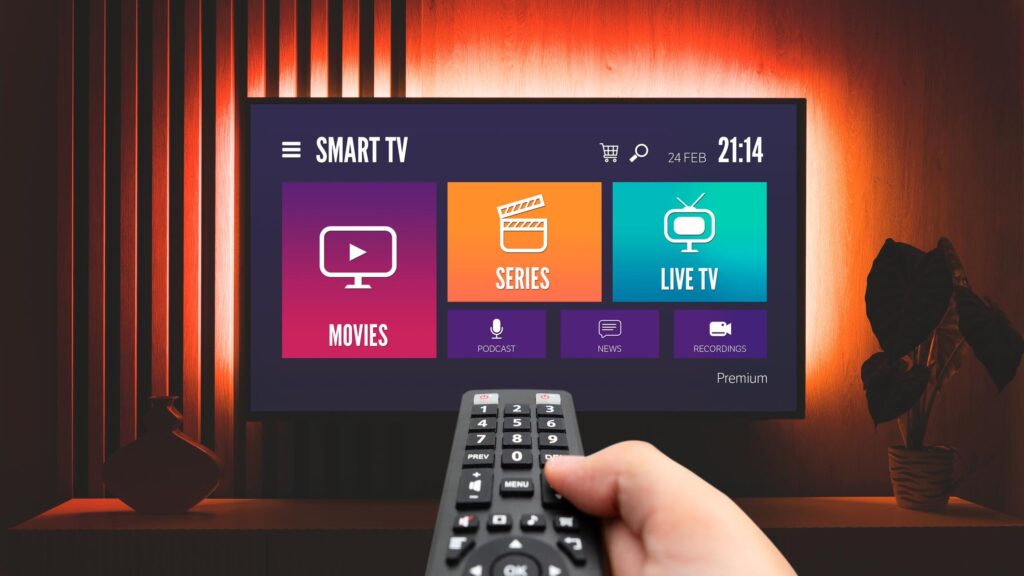


This IPTV installation guide shows you exactly how to install IPTV on Firestick, Smart TVs, Android, iOS, PC, and more. Whether you’re a beginner or upgrading your setup, this guide is designed to help you get streaming fast without confusion.Works with all major apps including IPTV Smarters Pro and IPTV players. Compatible with b1g iptv, sky glass iptv, and other IPTV services.
IPTV (Internet Protocol Television) delivers TV content through your internet connection instead of cable or satellite.
In simple terms:
You install an IPTV app → enter your login details → start streaming live TV and on-demand content.
Most IPTV setups use:
Xtream Codes is often preferred because it auto-loads channels and updates content automatically
IPTV is compatible with:
The best app depends on your device and how you prefer to watch (simple vs advanced setup).
IPTV Smarters Pro → Best for beginners
Tivimate → Best for advanced users
B1G Player / Sky Glass → Direct service apps
IBO Player → Simple alternative
Go to Settings → My Fire TV → Developer Options Enable “Apps from Unknown Sources” Install Downloader app Enter app download code Install IPTV app (Smarters / Tivimate / B1G Player) Open app and login using: Xtream Codes (recommended) or M3U URL
Use Xtream Codes login for automatic channel loading Use Ethernet adapter for better stability Tivimate gives better performance for heavy users
Smart TVs are convenient because they don’t require extra devices, but app availability can be limited.
Important Notes:
Setup Steps:
Android devices are the most flexible IPTV option because they support almost all IPTV apps.
Best Apps for Android:
Formuler users can use MyTV Online, which is optimized for IPTV.
Setup Steps:
Apple devices have stricter app policies, but IPTV still works smoothly with supported apps.
Notes:
Using IPTV on PC gives you better control and a larger screen experience.
Best Apps:
MAG devices use a different IPTV system based on portal URLs instead of apps.
Roku has limited IPTV support, but it still works with selected apps.
Setup Steps:
Use 5GHz Wi-Fi or Ethernet
Keep apps updated
Restart device regularly
Avoid overloaded networks
These small optimizations can significantly improve streaming quality
IPTV works across all major Australian cities:
To start using IPTV:
Install an IPTV app, enter login details, and start streaming.
15–25 Mbps for smooth playback.
Yes, Firestick is one of the most popular IPTV devices.
IPTV Smarters Pro is widely used.
A playlist link used to load IPTV channels.
Login system using username, password, and server URL.
Yes, most setups take only a few minutes.
Yes, this guide is designed for beginners.